How to use Evernote for travel planning
Today we will tell you how you can plan your trip using Evernote.
What is Evernote?
It's an electronic notebook. But thanks to its many built-in features, it can become an indispensable assistant when planning your trip.
Where to start?
First, you need to download Evernote from the official website and install it on your computer.
If you don't have your computer or laptop at hand, you can access your notebook via the website. Thanks to cloud technology, all your notebooks and notes are automatically synchronized with each other.
1. Create a notebook
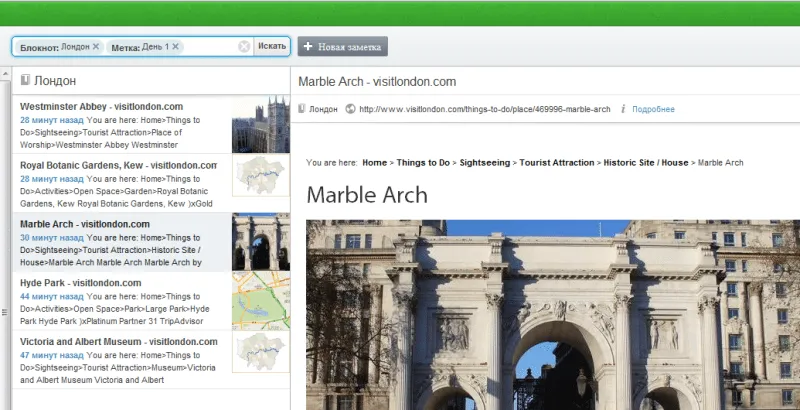
Evernote allows you to create any number of notebooks. Think in advance about how your information will be structured. If you plan to visit a specific city, create a separate notebook for it, for example, "Trip to London" or simply "London". We will put all travel information there: tickets, hotel reservations, information on all attractions we want to visit, etc.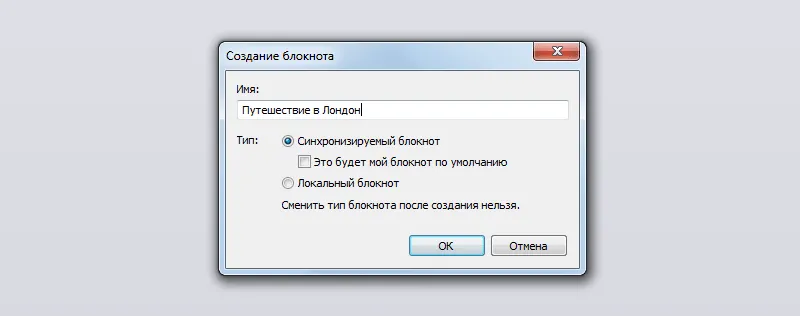
2. Install Evernote Web Clipper
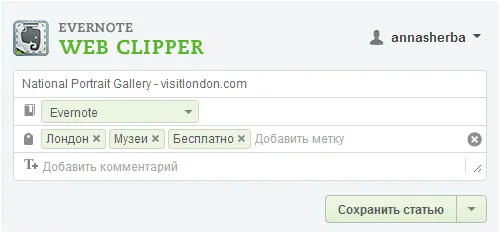
Web Clipper is an indispensable assistant for copying interesting information, videos, and images from the internet.
4. Make lists
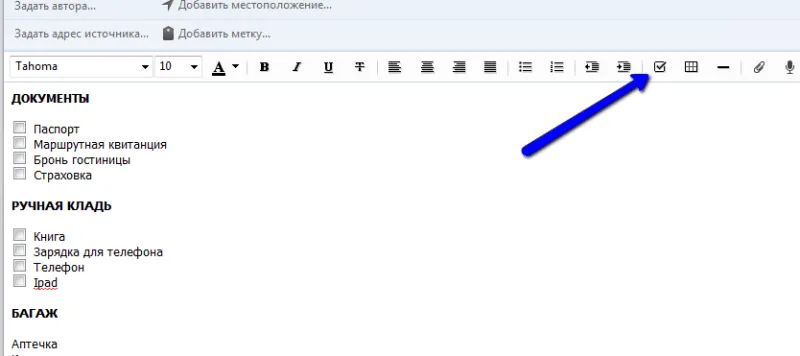
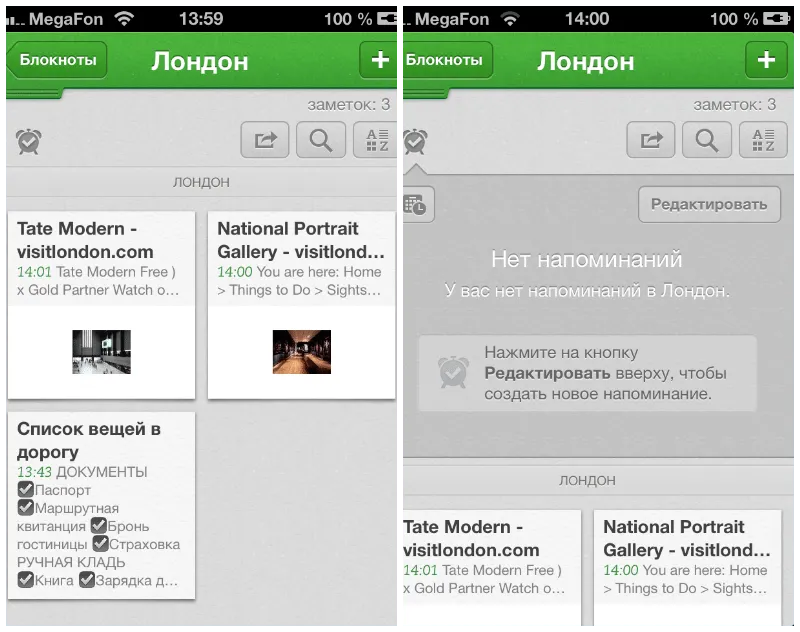
Evernote allows you not only to create simple text notes but also to make lists. Thanks to this, you can easily create a traveler's checklist so you don't forget anything.