How to avoid mistakes when buying an airline ticket?
Buying airline tickets requires maximum attention. Correctly enter data, uncheck unnecessary boxes, select a fare, verify the amount. In general, there's a lot to focus on. But sometimes mistakes still happen, and in most cases, they can be prevented and painlessly corrected. That's exactly what this article is about.
Typos in data
Situation: you made a typo in your first name, last name, or other data. Small typos in the first or last name that do not distort their pronunciation do not need to be corrected. However, it matters where you are flying: abroad or domestically. The full name on the ticket for international travel must be written exactly as in your international passport. If you are flying a domestic flight and wrote YANA instead of IANA, there is nothing to worry about.
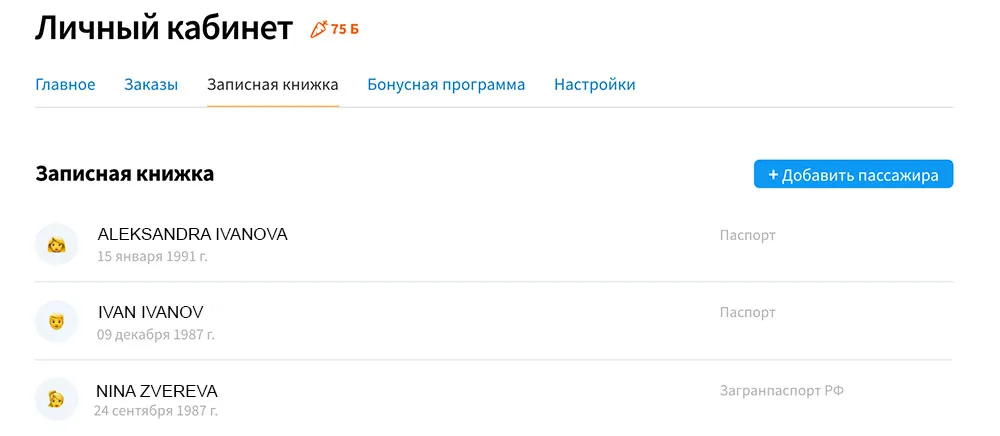
How to prevent: to avoid this, we recommend using the notebook feature on our website and in the app. The idea is that once entered data (full name, date of birth, passport number) is automatically filled in for subsequent orders. You can add data for several people to the notebook, for example, your relatives or friends with whom you often travel. This way, buying tickets will only take a couple of minutes.
How to fix: if the mistake has already been made, contact our Customer Care Service, and they will correct everything for you. However, some airlines charge a fee for changing data. Be prepared for this.
Entered the wrong email
Situation: when buying airline tickets, you made a typo in the email address and the ticket did not arrive. The problem is that a new personal account is created based on the entered email, but you won't be able to access it because you have no way to get the password.
How to prevent: before buying an airline ticket, log in to your personal account, then the email will be filled in automatically. If you are buying from us for the first time, we recommend registering first and then purchasing the ticket.
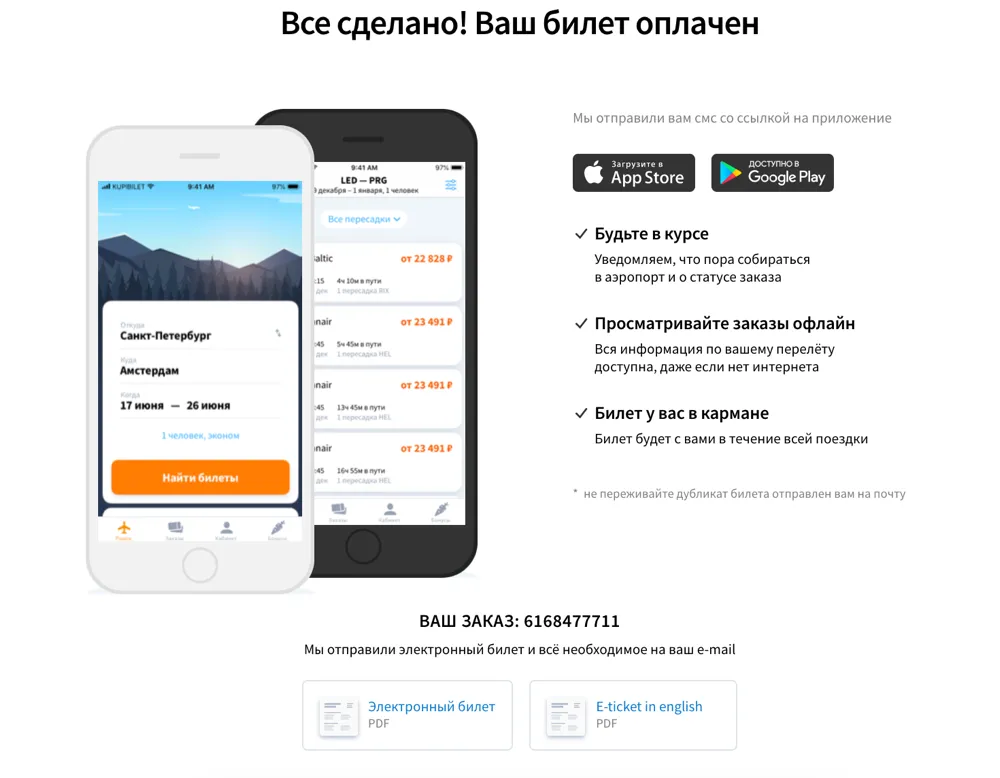
How to fix: if this still happened, write to our Support Service so we can send the itinerary receipt to the correct email. You can also download documents from the “Thank you” page. Therefore, we do not recommend closing the page immediately after purchase; first, download all necessary documents from it.
Selected wrong flight dates
Situation: instead of June, you selected July, or made a mistake with the year. But we haven't invented pills for these mistakes yet, so always double-check your travel dates and cities.
How to prevent: be a careful cookie.
How to fix: contact our Customer Care Service to change tickets to another date. If you made a mistake with the destination, you need to process a refund immediately on the day of purchase.

These are the main problems that can arise when buying a ticket; we have already worked on the rest:
- we convert Russian letters to Latin according to the latest transliteration rules;
- we do not allow entering a Russian passport number for international flights, and vice versa;
- we do not allow a small child to fly alone – an adult passenger must be included in the booking;
- you can log in to your personal account directly when booking a ticket, and data from the notebook will be loaded automatically;
- in cases where a patronymic is not mandatory on the ticket, we hide this field for filling: fewer fields mean fewer errors.
Itinerary not arriving in email
Here's another situation that sometimes happens to our customers. You paid for the ticket, entered the correct email, but the itinerary receipt didn't arrive. For a few minutes, you stare at your “Inbox” folder, but nothing happens.
Don't panic, this doesn't mean you've been scammed. First, check your Spam, folder; sometimes emails end up there. This might happen because you once marked one of our emails as Spam, or the email sorting algorithms were incorrect in your case. And if you use Gmail, also check the Promotions tab. Still no email anywhere? Then write to our support, and we will resend everything.
If you found our email in Spam, simply move it to your Inbox. If you don't do this, our subsequent emails might also end up in Spam. This could lead to you missing a flight change notification, for example.