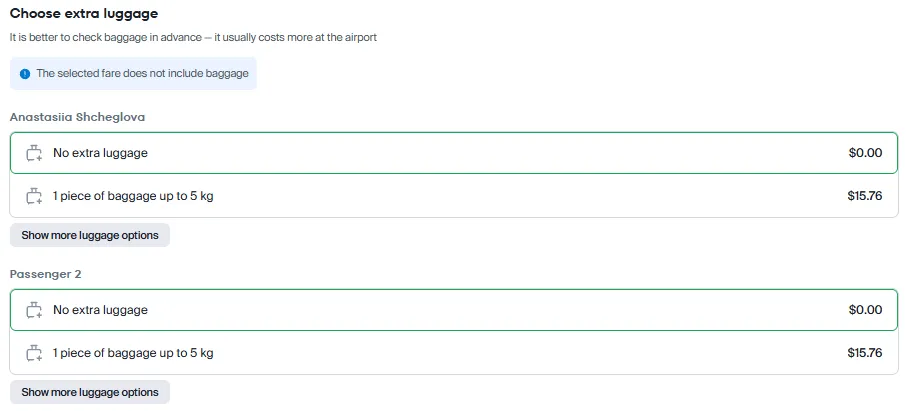
How to add baggage during the booking process?
There are several ways to purchase a ticket with baggage.
✔ Use the filter during the search stage to find a ticket that includes baggage allowance by default. The allowed weight of the suitcase will be indicated next to the flight parameters.
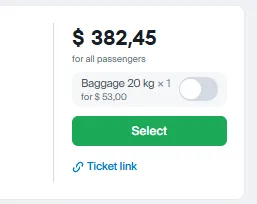
✔ If the airline has several fare groups, choose the one that includes baggage allowance. Some airlines offer fares with small and large baggage options.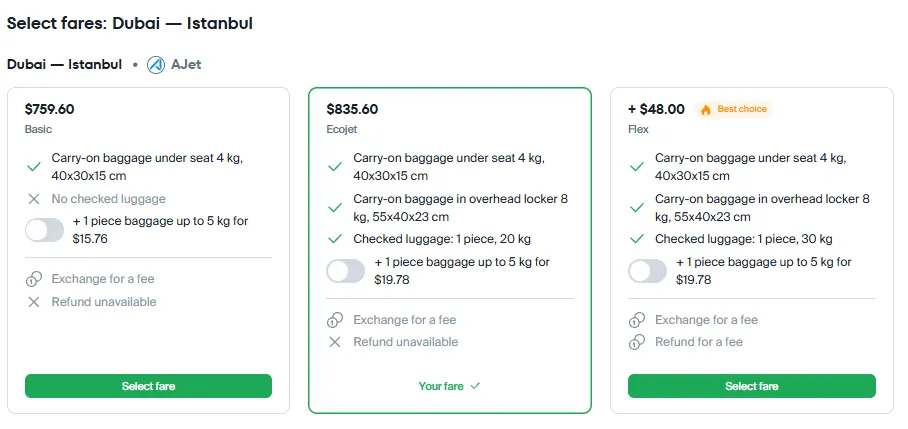
✔ For some airlines (low-cost carriers: Ryanair, Wizzair, etc.), excess baggage can be added during the order creation stage. You will see the option "Select additional baggage" at the "Booking" step.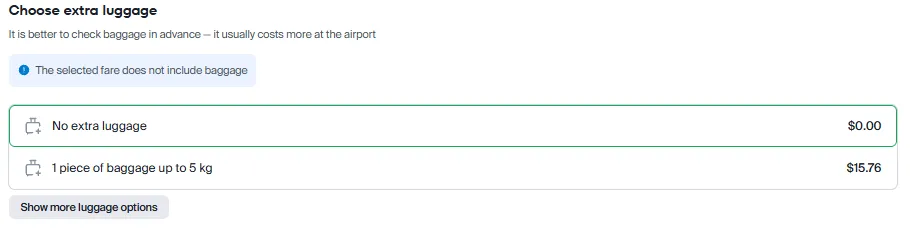
✔ If these options are not sufficient in your case, you can pay for baggage allowance even after purchasing the ticket — via your Personal Account on our website or in the app, by submitting a request to Customer Support on the order page, as well as on the airline's website or at the check-in counter at the airport.
If you want to book two tickets — one passenger with baggage and one without:
✔ If the airline offers multiple fare groups, choose the fare that does not include checked baggage.
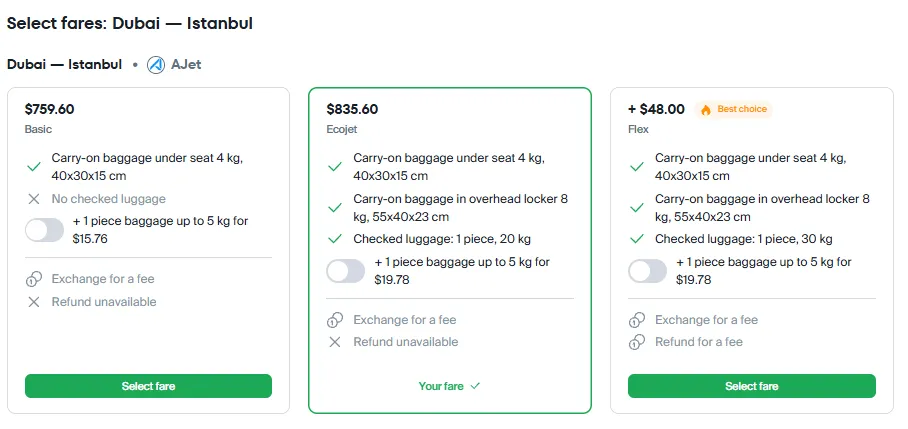
✔ Then add baggage for the passenger who needs it. This option may not be available with all airlines. You will see the available options during the booking process.If your trip is a round trip, you must select the fare and baggage separately for each leg of the journey.