How to protect your data while traveling
 Polina
Preparing for a trip isn't just about finding good deals and packing your suitcase. In the digital age, the security of your smartphone and laptop is as important as the safety of your passport. To prevent your vacation from turning into a mission to rescue your personal accounts, it's worth planning your protection in advance.
If you are planning to buy tickets to Bangkok on Kupi.com or have already looked at tickets to Istanbul, start preparing your digital space a few days before departure.
Preparation at Home
Preparation doesn't start at the airport, but at your desk. Having an up-to-date data backup will save your nerves if something happens to your devices during the trip.
Backup. Imagine your phone falling overboard or getting lost. Losing a gadget is unpleasant, but losing all your photos and messages is a disaster. Create a backup of your smartphone literally the day before departure.
Media Library Synchronization. Check if your photos are uploaded to the cloud in their original quality. If storage space is low, this is the best time to upgrade your plan.
Messenger Backup. Go to WhatsApp or Telegram settings and manually initiate a chat backup. Automatic backups often occur once a week, and recent important messages might not be saved.
Offline Maps and Translators. The internet can disappear at the most inconvenient moment. Download the necessary area in Google Maps or Maps.me in advance, and language packs in Google Translate.
Tickets in Wallet. Don't search for PDF files in your email at the check-in counter. Add boarding passes and hotel reservations to Apple Wallet or Google Pay. If this isn't possible, take regular screenshots.
Review Banking Apps. Make sure you remember the PINs for all your cards. Set limits for cash withdrawals and international transactions.
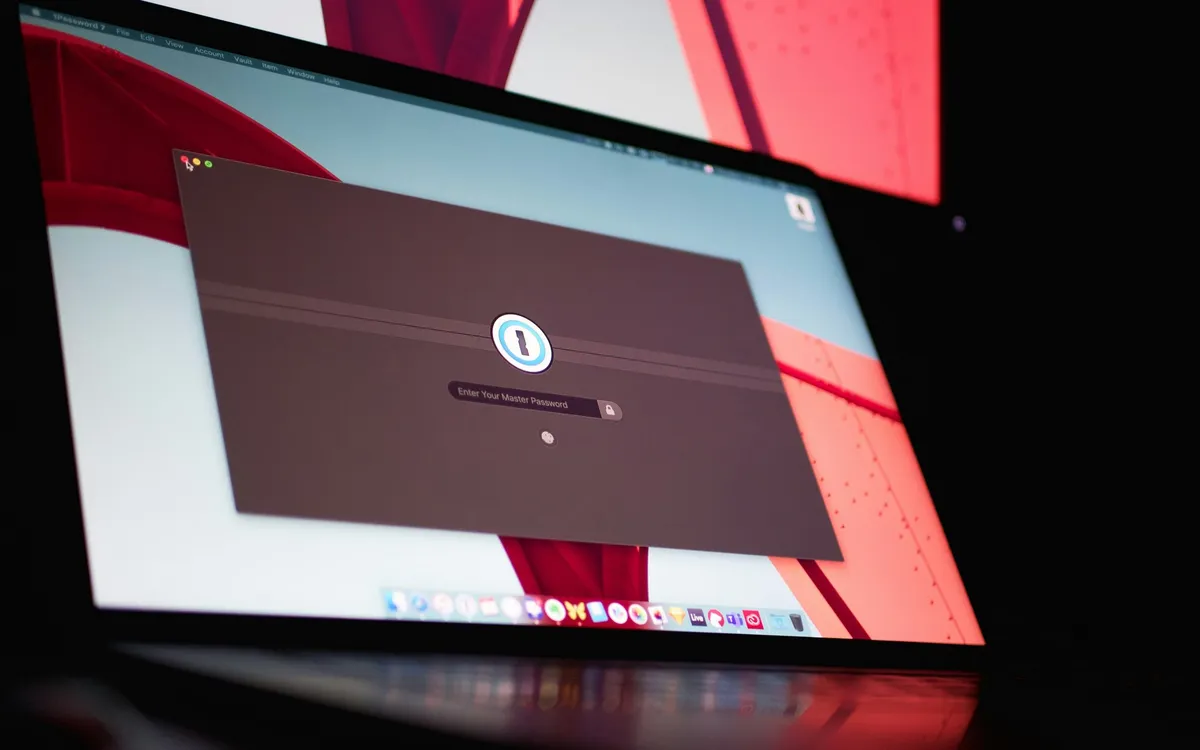
Passwords. If you use a password manager, make sure you remember your master password. Write down the most important access details (email, bank) on a piece of paper and hide it in a safe place, separate from your devices.
Device Protection
Your smartphone is a repository of your entire life. If it falls into the wrong hands while unlocked, the consequences will be dire.
Set up remote management. Make sure "Find My iPhone" or "Find My Device" on Android are active. Check if you remember your account password to quickly lock the gadget from another computer.
Two-factor authentication (2FA). Set it up for your email, messengers, and social networks. Even if a scammer learns your password, they won't be able to access your account without a temporary code. Use authenticator apps, as SMS messages can be delayed while roaming.
Data encryption. On modern smartphones, it's enabled by default, but on laptops, you need to activate it manually (FileVault on macOS or BitLocker on Windows). This will protect your files if the device itself is stolen.
Update software. Before departure, update your operating system and all applications. Developers regularly patch security holes that attackers can exploit to gain access to data.
Network Security
Public Wi-Fi networks in airports or cafes are a major trap. Attackers can create access points with similar names to intercept traffic.
Disable auto-connect. Configure your phone so it doesn't connect to known networks without your knowledge.
Use a VPN. While traveling, this is a reliable tunnel that encrypts all your traffic. Even if you connect to a "bad" Wi-Fi, an attacker will only see a set of encrypted characters.
No banking over public Wi-Fi. If you need to check your account, turn off Wi-Fi and switch to your mobile network. Roaming charges are incomparable to the risk of losing money.
Physical Risks and Documents
Sometimes danger lies not in code, but in ordinary things.
Beware of public USB ports. They can be modified to steal data. Use your own power adapter and a standard outlet. As a last resort, use a USB data blocker.
Privacy screens. If you're working with sensitive data on a plane, apply an anti-spy screen protector. It narrows the viewing angles, so your seatmate will only see a black screen.
Hide notifications. Configure your phone so that message text doesn't appear on the locked screen. This prevents those standing nearby from intercepting codes from SMS messages.
Encrypted cloud for documents. Upload scans of your passport, visas, and insurance to a secure storage or a locked note on your smartphone.
Paper duplicate. Keep a photocopy of your passport separate from the original. In case of loss, this will significantly speed up obtaining a certificate at the consulate.
Digital security doesn't require superpowers – just a little vigilance. Take the time to address these points before your trip, and your journey will be smooth. Have pleasant travels and strong passwords!